Changelog Every release, month by month.

Everything we have shipped in Emplorium, month by month, from Aura and the inbox to the chat widget and your settings.

1 update

NewChannels

Instagram in your inbox

Connect your Instagram account and its direct messages arrive in the same inbox as your other chats, with Aura answering.

1 update
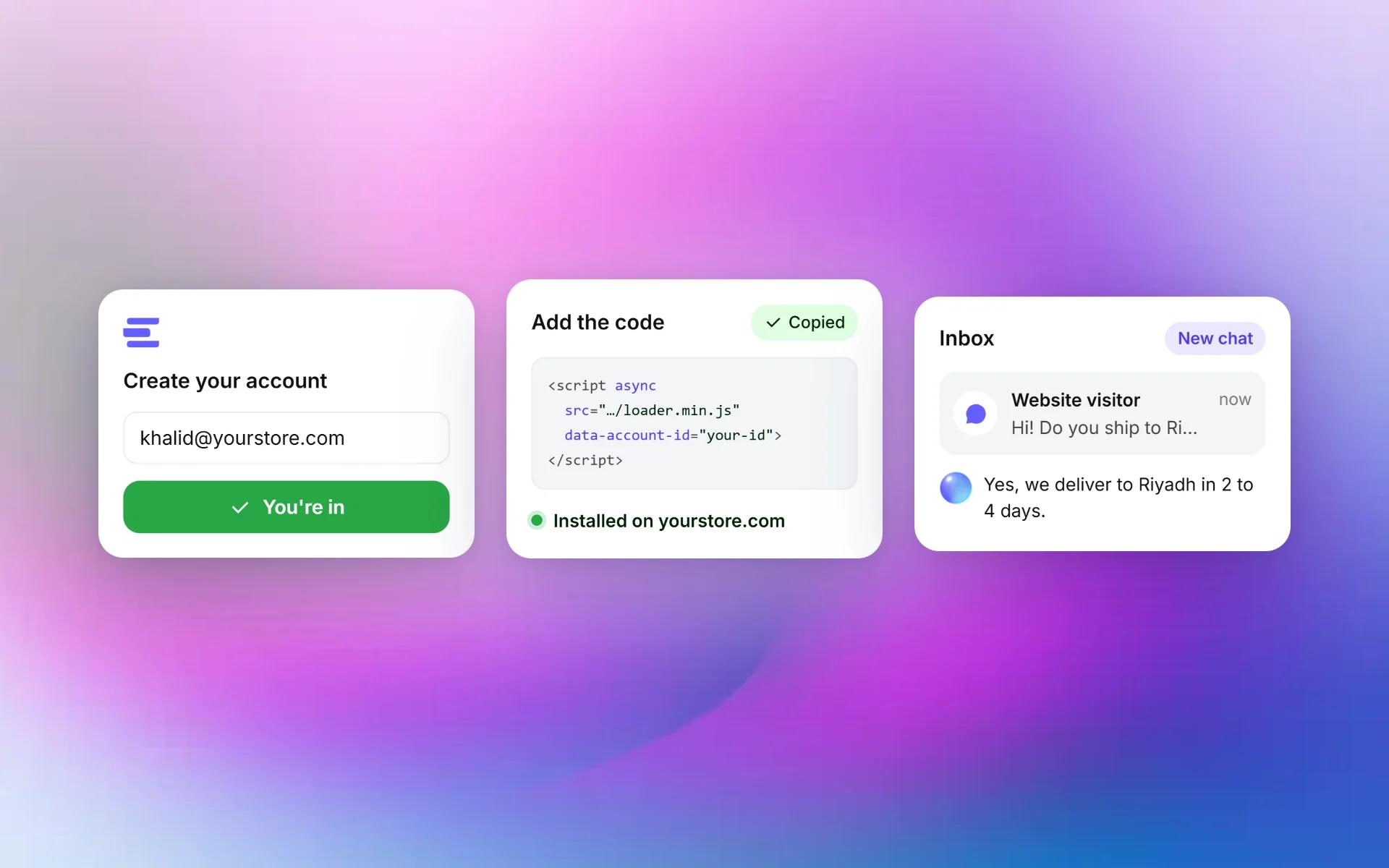
A setup guide that pays you backA setup guide that pays you back
NewSettings and billing

A setup guide that pays you back

New workspaces get a three-step setup guide. Finish it with a verified email and we add 100 AI credits that never expire.

4 updates
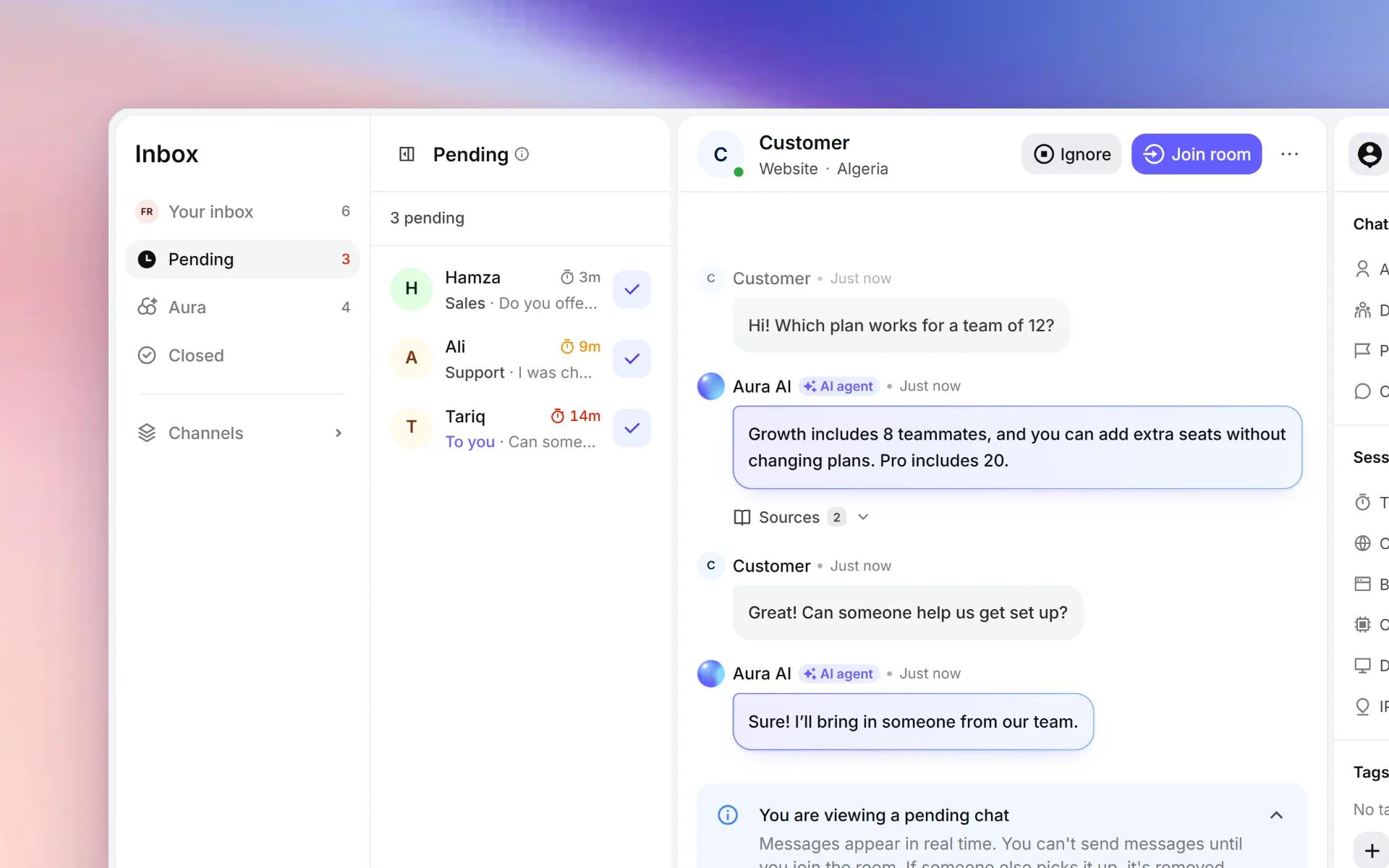
A new EmploriumA new Emplorium
NewApp

A new Emplorium

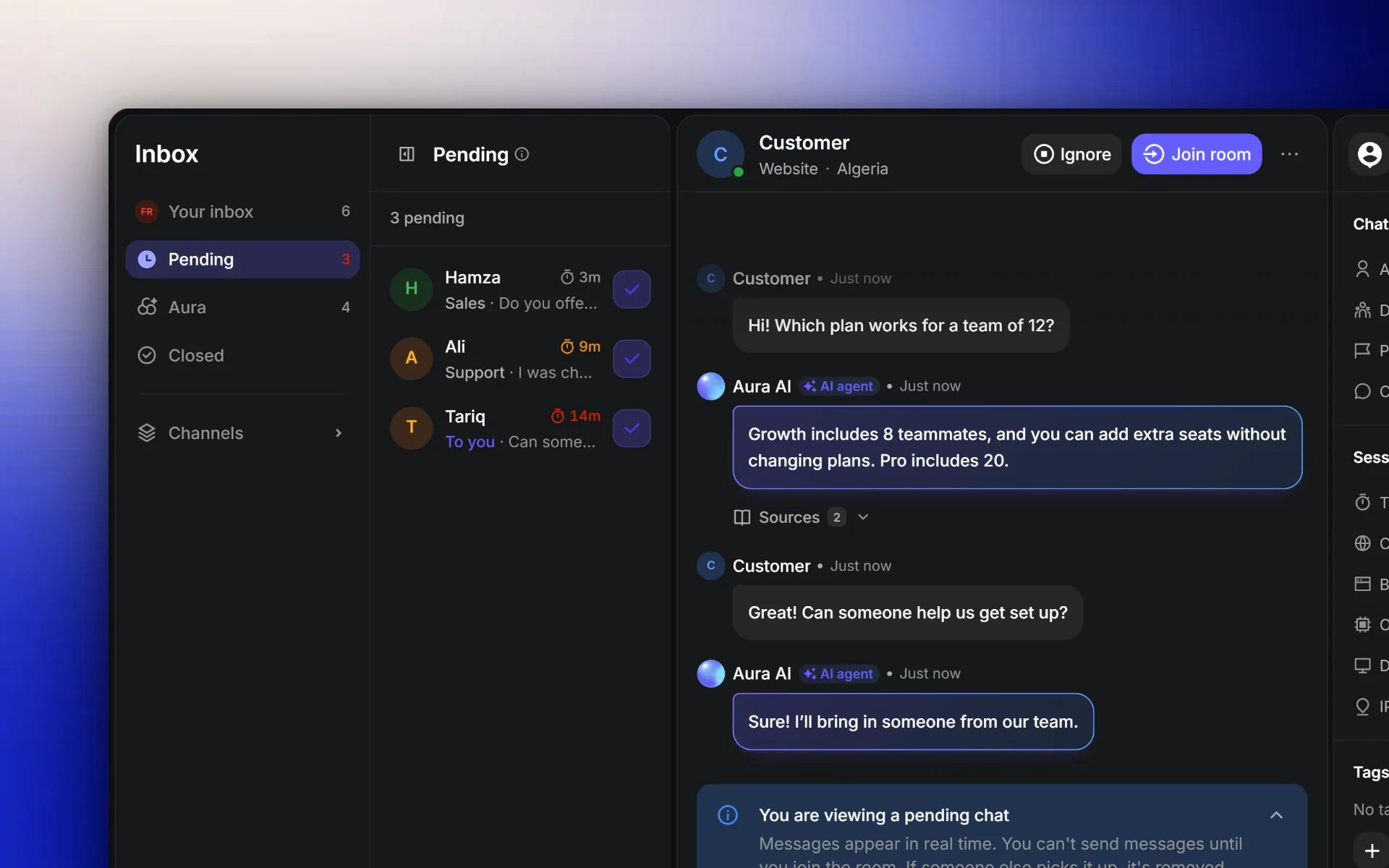
The inbox, Aura, Analytics, Settings and Home, rebuilt on one design system: a new navigation, a notification center, a Visitors page and matching light and dark themes.

Also this month

ImprovedSettings and billing

Audit log, rebuilt

See who changed what in your workspace, and when, in one list of audit events.

ImprovedSettings and billing

Settings, rebuilt

Your subscription shows usage, add-ons and invoices in one place, the chat widget settings preview your changes as you make them, and a developer page walks you through installation.

ImprovedApp

Stay signed in

Keep your session on a device you trust, so you don't sign in every time.

2 updates
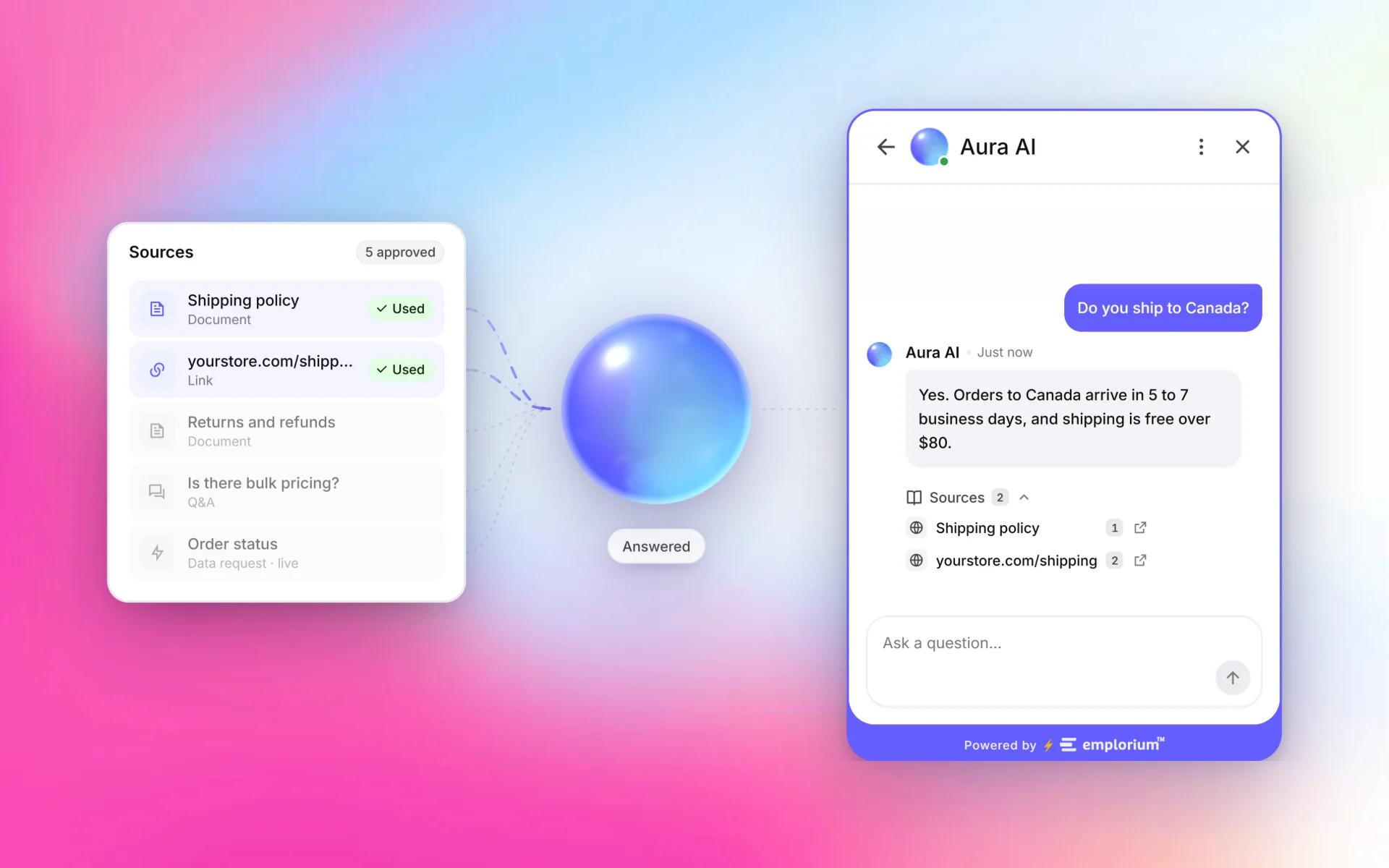
Watch documents trainWatch documents train
ImprovedAura

Watch documents train

Each document shows Aura's training progress and a rough time to finish, and keeps it when you refresh the page.

Also this month

ImprovedApp

Arabic and dark mode, polished

A pass over the app's Arabic text and dark theme, page by page.

4 updates

NewInbox

GIFs in the inbox

Search for a GIF and send it from the composer, in light and dark.

ImprovedInbox

Resend a failed message

If a message doesn't go through, send it again in one click.

ImprovedAura

Aura's pages, mirrored for Arabic

Aura's navigation is restyled, and the whole page mirrors right to left.

4 updates
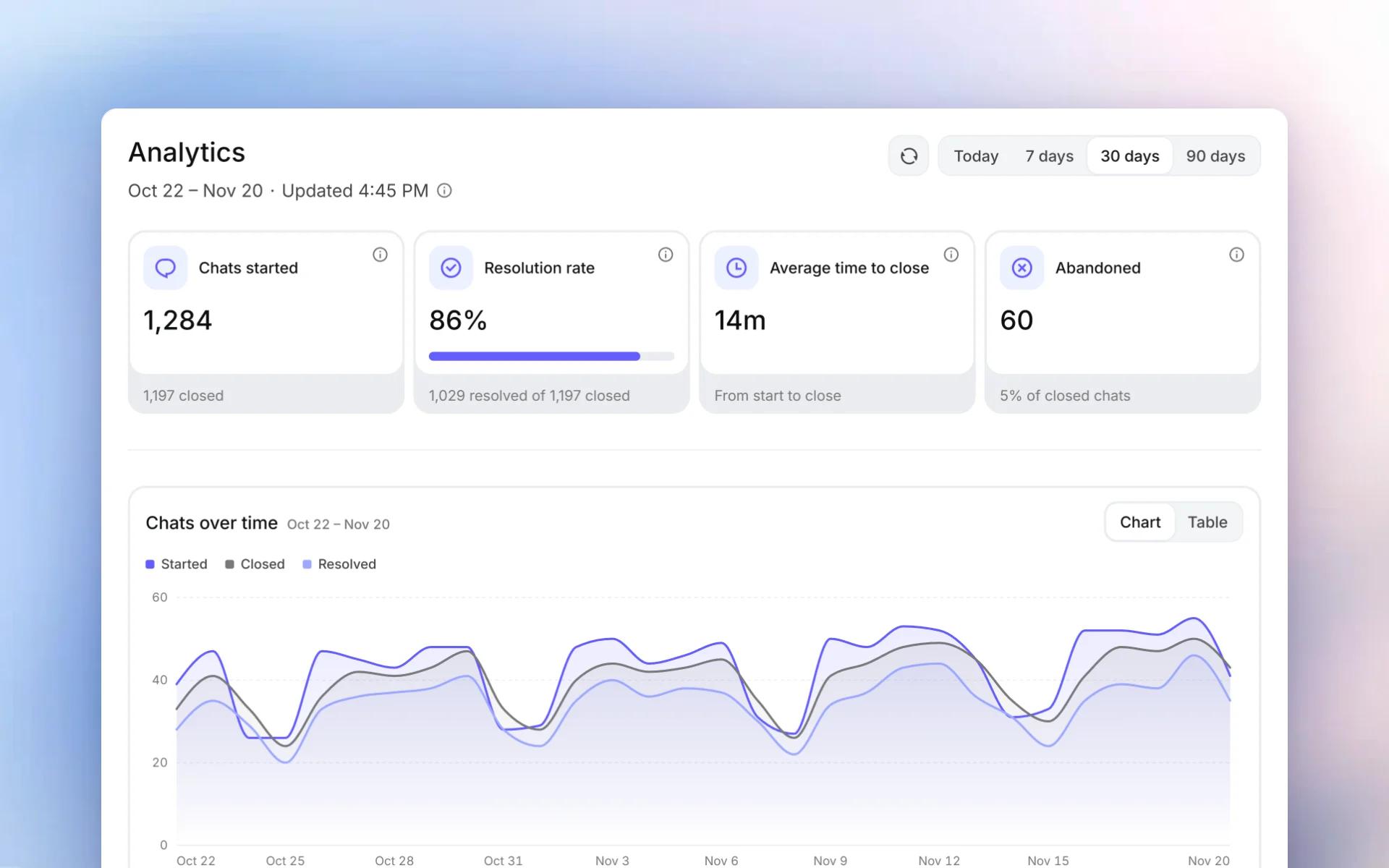
Analytics dashboardAnalytics dashboard
NewAnalytics

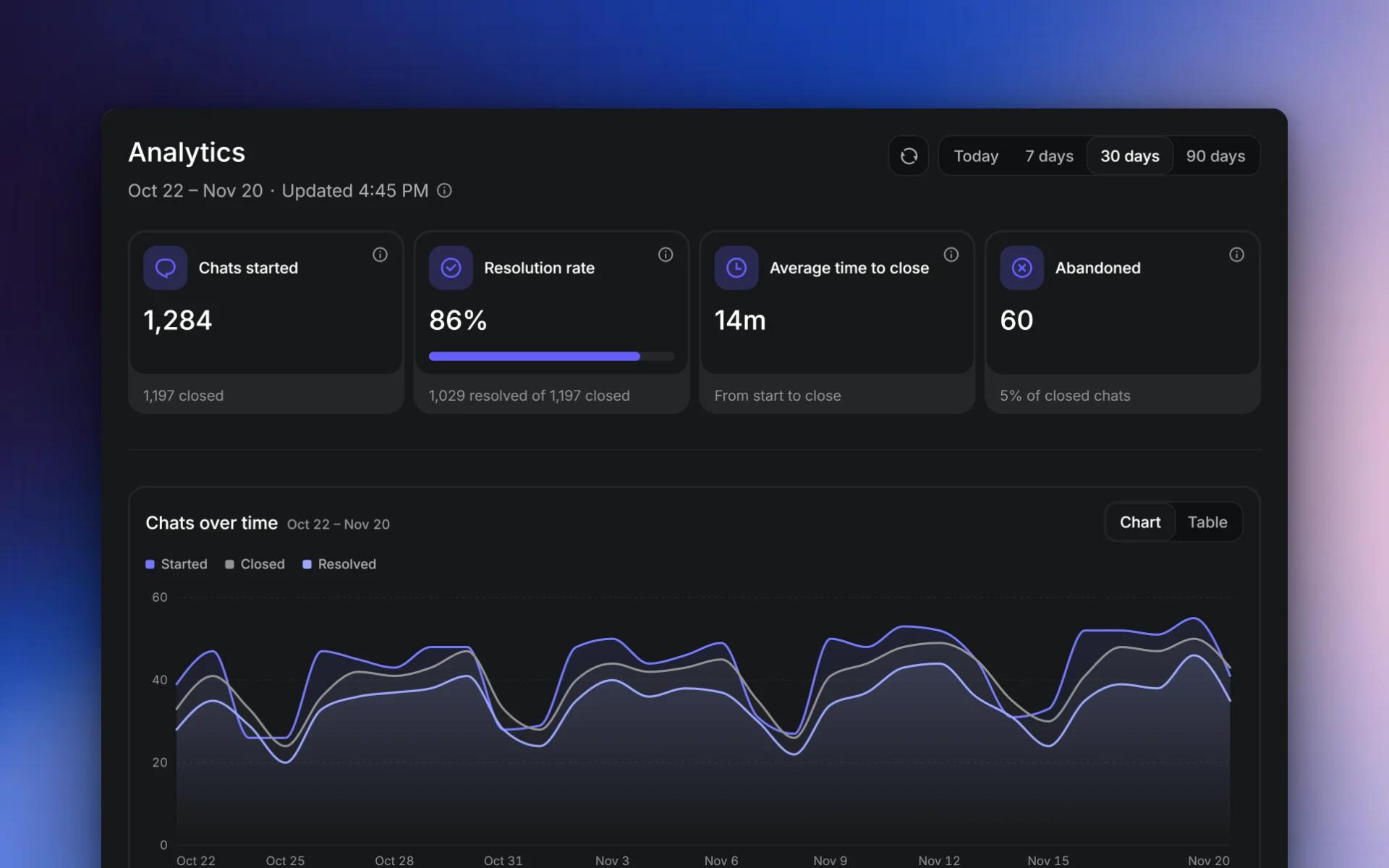
Analytics dashboard

Your workspace's chats in one dashboard, with Telegram reported beside your other channels.

Also this month

NewSettings and billing

Plans and billing in the app

Upgrade, downgrade and pay from the app, buy add-ons, and let AI credits top up on their own.

NewChannels

Telegram in Integrations

Connect and manage your Telegram bot from the Integrations page.

ImprovedChat widget

A refreshed chat widget

A cleaner chat widget that loads faster on your site.

Earlier updates

Everything we shipped before that, month by month, back to the first version.

2026

  1. Upload files as sourcesGive Aura documents to learn from by uploading them.NewAura
  2. Sources show their progressEach source shows where it is, from added to trained.ImprovedAura
  3. Change your password in the appUpdate your password in Settings › Security.NewSettings and billing
  4. AI actionsAura can look up live data in your own systems, like an order's status, using only the fields you allow.NewAura
  5. Dark mode, everywhereHome, the inbox, Aura and Settings in the dark theme.ImprovedApp
  6. Roles and permissions, rebuiltGive each teammate a role, and decide what each role can see and change.ImprovedSettings and billing
  7. AI credits you can followCredits reset with each billing period, add-ons top them up, and a clear message tells you when they run out.ImprovedSettings and billing
  8. Message soundsA sound when a new message arrives, for your team and for your visitors.ImprovedInbox
  9. A new Integrations pageYour channels and tools on one page.ImprovedChannels
  10. A typeface for ArabicArabic text gets a typeface of its own across the app.ImprovedApp
  11. Plans arriveThe first version of plans and billing, with AI credits on every plan.NewSettings and billing
  12. Aura hands over to your teamWhen a person should step in, Aura passes the chat to your team with everything said so far.NewAura
  13. A new chat widget and dashboardThe chat widget and the team dashboard, rebuilt.NewApp
  14. The dashboard in ArabicHome, the inbox, Settings, Aura and Integrations, translated into Arabic.NewApp
  15. Visitors can end a chatA visitor can close their chat when they're done.NewChat widget
  16. Formatted answersAura's answers keep their lists, links and bold text.ImprovedAura

2025

  1. Answers that stream inAura's replies appear word by word in the chat widget, so visitors start reading sooner.NewChat widget
  2. A new widget designA fresh look for the chat widget on your site.NewChat widget
  3. Installed domainsSee every site your chat widget is installed on, in Settings › Workspace.NewChat widget
  4. AI credits at a glanceA panel shows how many AI credits you have left.NewAura
  5. Aura learns from your websiteAdd a link and Aura finds and reads its pages, with options for what to include.NewAura
  6. Q&A, instructions and toolsNew pages to give Aura question-and-answer pairs, instructions and tools.NewAura
  7. Aura's overviewOne page with each agent's activity and its AI credits.NewAura
  8. Turn the widget on or offPause the chat widget on your site without removing the snippet.NewChat widget
  9. Set up more than one Aura agentCreate separate Aura agents from the Aura page, each with its own name, up to your plan's limit.NewAura
  10. More control over Aura's answersDecide whether Aura may use general knowledge or answer only from your own content.ImprovedAura
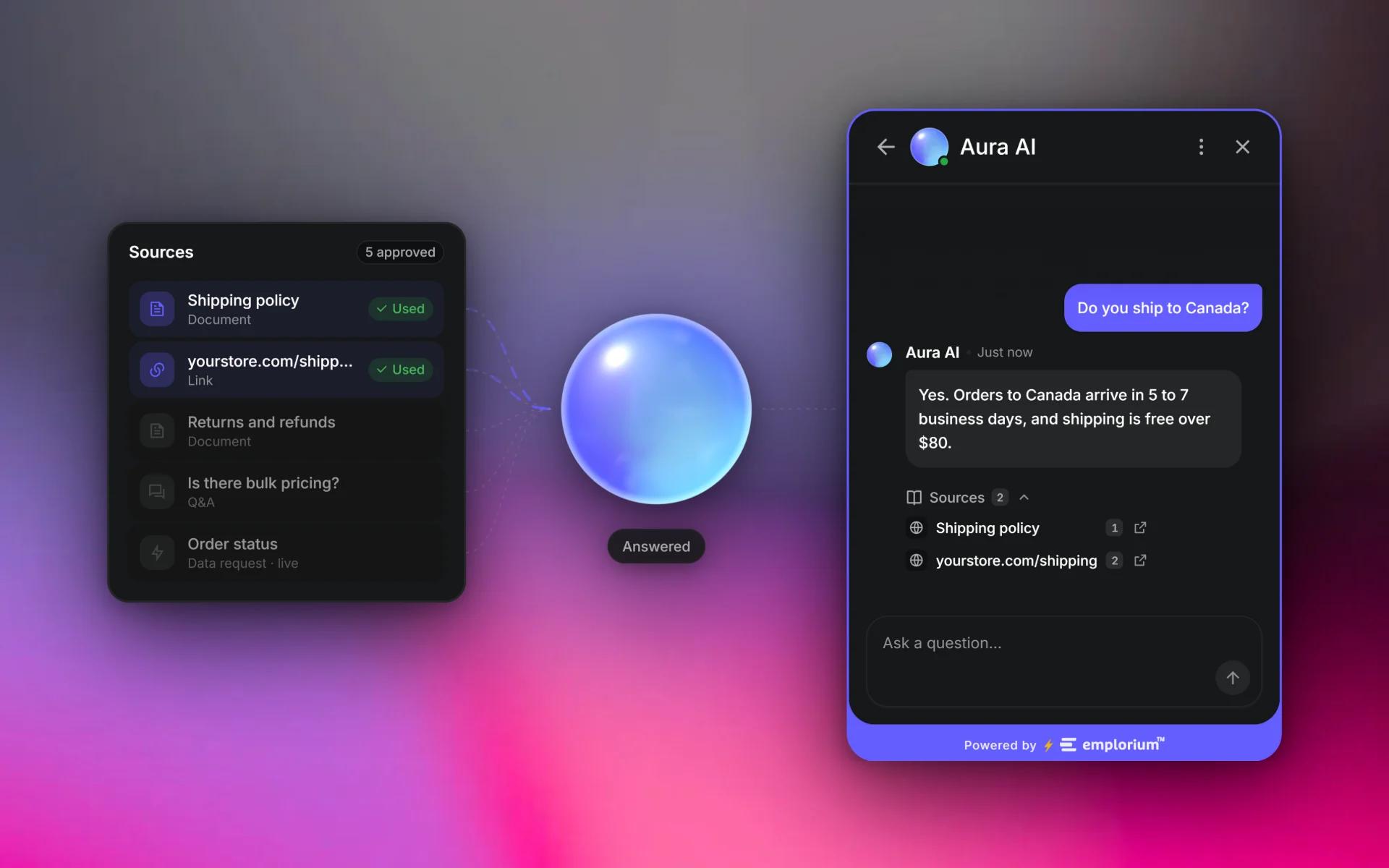
  11. Meet Aura, your AI agentTrain Aura on your documents, links and Q&A, shape its personality, and try it in a test chat.NewAura
  12. Aura answers in the chat widgetAura replies to your visitors in the chat widget, with a typing indicator while it writes.NewAura

2024

  1. Dark modeSwitch Emplorium to a dark theme. The chat widget has a dark version too.NewApp
  2. Custom roles and permissionsCreate roles, choose what each one can see and change, and assign teammates to them.NewSettings and billing
  3. A chat widget that fits phonesThe widget's home and chats adapt to small screens.ImprovedChat widget
  4. Widget settings, redesignedNew chat widget settings with a live preview, so you see how the widget looks as you change it.ImprovedChat widget
  5. A new inbox layoutThe chats page gets a new layout and a side panel for visitor details, notes and comments.ImprovedInbox
  6. Reasons for closing chatsAdd a reason when you close a chat, so it's clear why it ended.NewInbox

2023

  1. Past chats in the widgetVisitors can open their earlier chats with your team from the widget.NewChat widget
  2. A redesigned inboxA new chat list, chat header, message box and visitor panel make chats easier to work through.ImprovedInbox
  3. See where visitors are on your siteThe visitor panel shows the page a visitor is on now, and the Visitors table has a Current page column.NewInbox
  4. Chat priorityEach chat's priority shows in the chat header and in its details.NewInbox

2022

  1. Transfer chatsPass a chat to another teammate, who gets notified to pick it up.NewInbox
  2. Read receiptsSee in the inbox when each message from your team is sent, delivered and seen.NewInbox
  3. Observe a chatFollow a visitor's chat without them seeing you, and join when you're needed.NewInbox
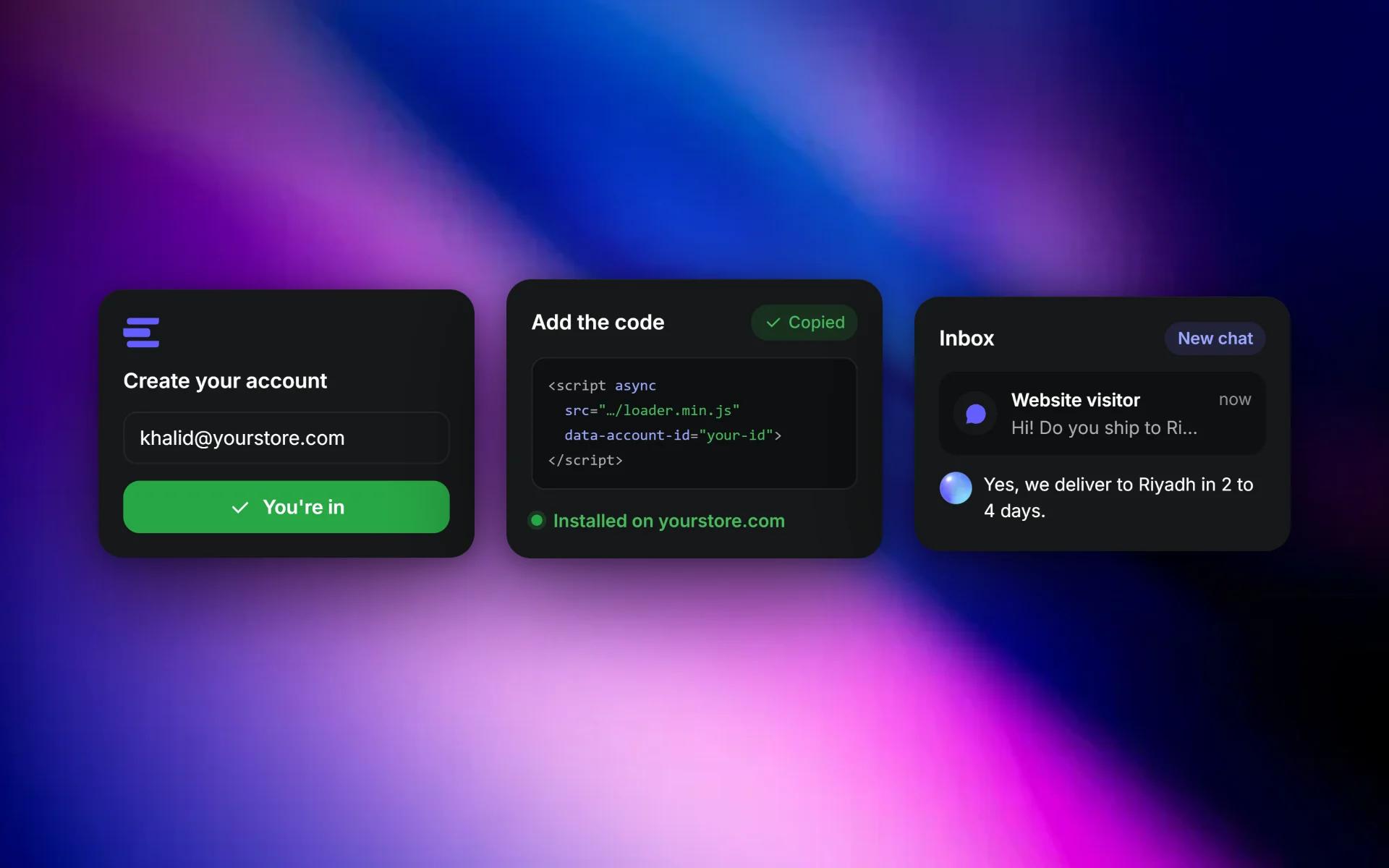
  4. Sign up on your ownCreate an account in three guided steps: tell us about your company, share your goal and teach Aura.NewApp
  5. Internal notes on chatsLeave notes on a chat that only your team can see.NewInbox
  6. Audit log and sign-in historySee who changed what in your workspace, and a record of teammates' sign-ins.NewSettings and billing

2021

  1. Sound and browser alertsHear a sound and get a browser notification for new chats and messages, and turn them on or off.NewApp
  2. Live visitors listSee who's on your site right now, filter the list, and start a chat with any visitor.NewInbox
  3. Shortcuts for saved repliesSave replies as shortcuts and insert them into a chat as you type.NewInbox
  4. Live stats on HomeHome shows live cards for waiting chats, your chats, visitors on your site and Aura.NewAnalytics
  5. Visitor details panelSee a visitor's details in a side panel while you chat with them.NewInbox
  6. Tags for chatsCreate tags, add them to chats, and require one before a chat is closed if you like.NewInbox

2020

  1. Customize the chat widgetSet the widget's colors and launcher style, and the widget on your site follows them.NewChat widget
  2. A shared inbox for your chatsAll your chats in one shared list, so your whole team works from the same place.NewInbox
  3. Teammates and departmentsAdd teammates and group them into departments.NewSettings and billing
  4. Live chat for your websiteThe first version: a chat widget for your site and an app for your team to answer visitors live.NewApp
See what's next on the roadmap